5 Easy tools to build a website Fast
No matter how modest your launch, your business will need a web
presence. Maybe you've been putting it off. After all, we weren't all
put on earth to write code on the web--and hiring someone who was is
expensive. Luckily, you don't have to know a thing about programming to
build a respectable website these days. There are loads of
affordable--even free--tools that do the grunt work for you.
You'll need a sense of what you want your website to do for your business. As long as you have a germ of an idea, the best do-it-yourself services will guide you along. You'll also find plenty of options for syncing your website with other online tools like Facebook pages, Twitter profiles, YouTube channels and PayPal accounts. It's surprisingly easy to get a simple but powerful website up and running in a few hours.
Here are our top five picks for launching your business on the web without skimping on quality.
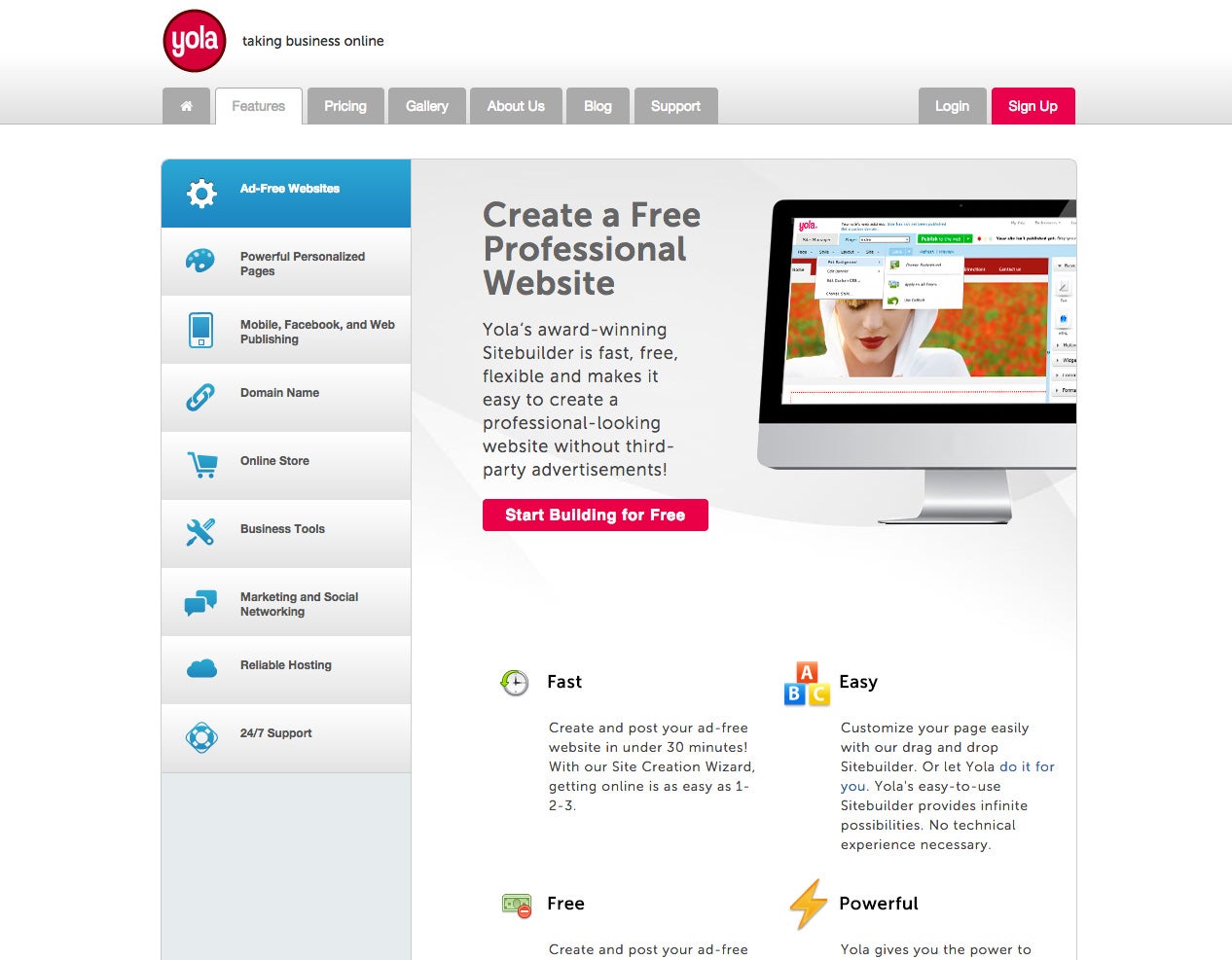
What it costs: The basic web-building tool and a Yola.com address are free. For extra features, better-looking templates and the ability to use your own domain name, the Yola Silver upgrade is $100 per year.
Bottom line: If you're looking for a basic, professional site at a reasonable cost, Yola's your answer.
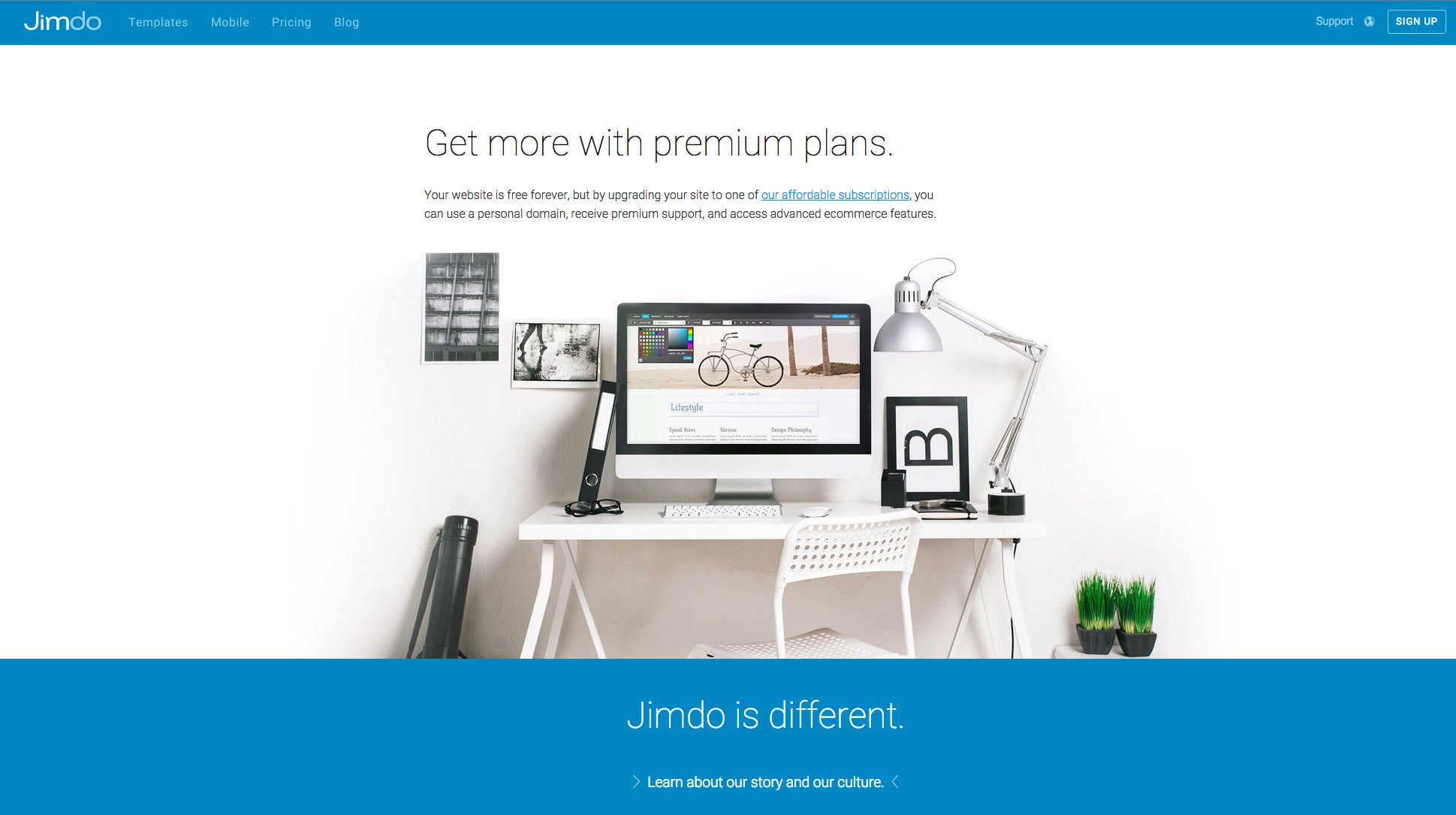
What it costs: Basic features and a Jimdo.com address are free. Jimdo Pro is $5 per month. Jimdo Business is $15 per month, including unlimited data storage and online selling, two domain names and business-specific site designs.
Bottom line: The free tool isn't worth your time. But what Jimdo does well is hold your hand with nice templates and good overall tools. If you want to sink a little more effort into a site that looks and feels unique, Jimdo is your best bet.

What it costs: The full-featured website-building tool and Wix.com address are free. Paid subscriptions, which let you do things like remove ads and link a site to your own domain name, run $5 to $16 per month.
Bottom line: If you must have that slick, designed look and don't mind alienating a couple of potential users, Wix is the answer. Just be sure you understand the limits of Flash, as it can be surprisingly tricky to work with.
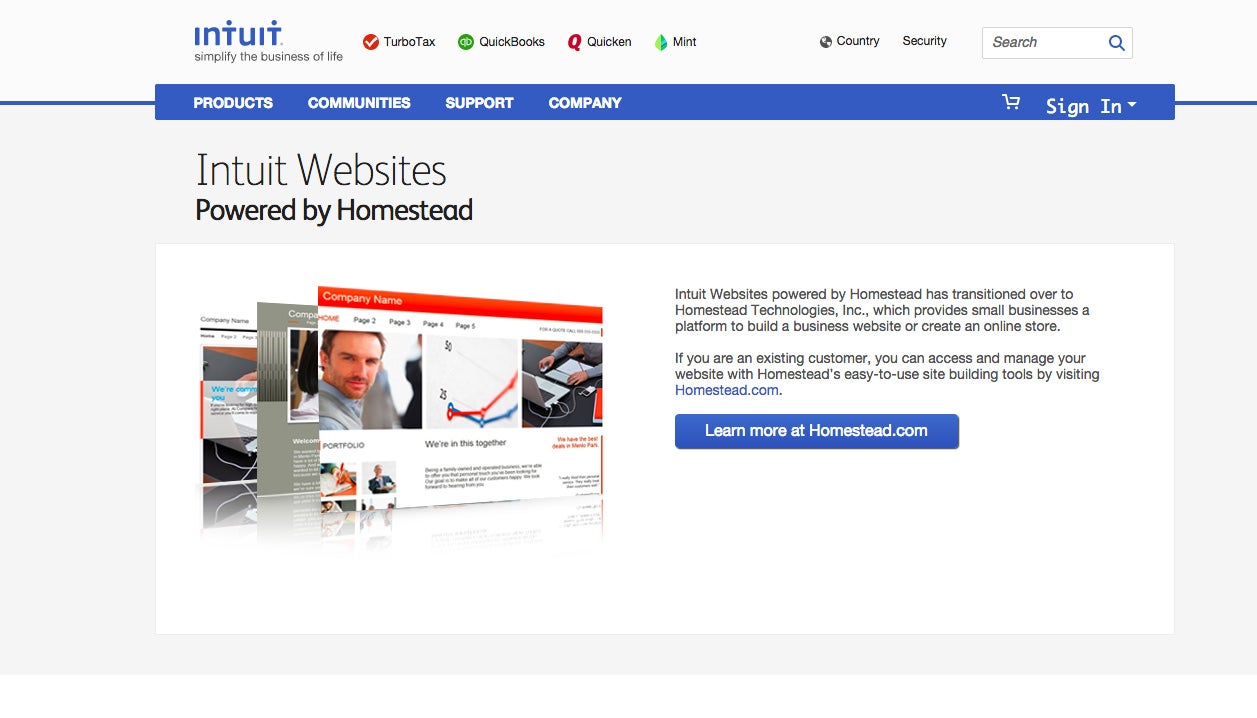
What it costs: The starter package is free for 30 days, then $5 per month. Business and Professional packages are $24 and $50 per month, respectively, and include features like custom domain names, online selling tools and search engine optimization. Insider's note: Intuit has several resale agreements with large telecom companies like Verizon, so don't be afraid to dig around to find a package discount.
Bottom line: This is by no means the slickest tool, but for a basic business site, Intuit isn't bad, and it's especially effective for QuickBooks users.
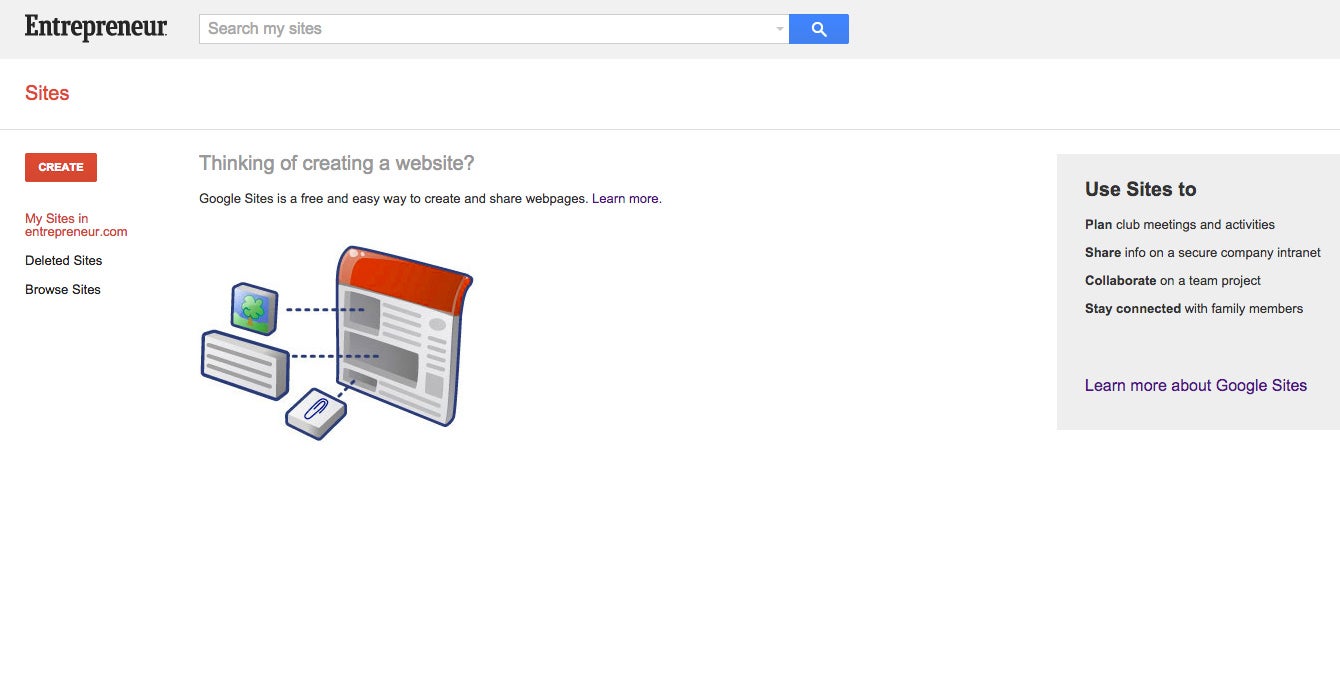
What it costs: It's free.
Bottom line: Don't use this tool to develop a traditional website unless you have a solid coding background or are hiring a coder who does. For the average user, Google Sites is best for creating a company intranet.
You'll need a sense of what you want your website to do for your business. As long as you have a germ of an idea, the best do-it-yourself services will guide you along. You'll also find plenty of options for syncing your website with other online tools like Facebook pages, Twitter profiles, YouTube channels and PayPal accounts. It's surprisingly easy to get a simple but powerful website up and running in a few hours.
Here are our top five picks for launching your business on the web without skimping on quality.
1. Yola
Image credit: Yola
What it does: Yola
lets you build a basic website by picking a template and filling out a
few simple forms. Once you have a rough outline, you fine-tune your site
with an in-place editing tool. Yola has the goods to let you really dig
into the web. You can integrate your site with an impressive list of
third-party services such as Google Maps and PayPal, Flickr for photo
sharing and Picnik for photo editing.What it costs: The basic web-building tool and a Yola.com address are free. For extra features, better-looking templates and the ability to use your own domain name, the Yola Silver upgrade is $100 per year.
Bottom line: If you're looking for a basic, professional site at a reasonable cost, Yola's your answer.
2. Jimdo
Image credit: Jimdo
What it does: Jimdo's
free version does what a respectable website builder should do, and not
much else. We suggest springing for the upgrades (which are reasonably
priced) to unlock some cool business features, such as custom
newsletters to keep in touch with your customers, page-view stats,
PayPal stores and password-protected employees-only pages.What it costs: Basic features and a Jimdo.com address are free. Jimdo Pro is $5 per month. Jimdo Business is $15 per month, including unlimited data storage and online selling, two domain names and business-specific site designs.
Bottom line: The free tool isn't worth your time. But what Jimdo does well is hold your hand with nice templates and good overall tools. If you want to sink a little more effort into a site that looks and feels unique, Jimdo is your best bet.
3. WIX
Image credit: WIX
What it does: Wix
lets you build a great-looking website in no time with its easy-to-use,
what-you-see-is-what-you-get editor. Here's the downside: The web
development tool is based on Adobe Flash, which works on most PCs but
isn't supported by some mobile devices, including the all-powerful Apple
iPad. If that isn't a problem for you, Wix has lots of elegant
templates that are easy to customize and can fit every business need.
Wix's image-heavy sites are especially great for photo galleries, which
really show clients what your business can do. A new mobile tool lets
you build a simple, smartphone-optimized site to reach on-the-go
clients.What it costs: The full-featured website-building tool and Wix.com address are free. Paid subscriptions, which let you do things like remove ads and link a site to your own domain name, run $5 to $16 per month.
Bottom line: If you must have that slick, designed look and don't mind alienating a couple of potential users, Wix is the answer. Just be sure you understand the limits of Flash, as it can be surprisingly tricky to work with.
4. Intuit Websites
Image credit: Intuit Websites
What it does:
Starting a business takes creativity, but maybe you're not the artistic
type. Luckily, even the most design-challenged among us can squeeze a
respectable-looking website out of Intuit's
somewhat bland but reliable web-editing tool. A quick survey helps you
pick a template that's based on what your business does and your goals
for the website. The template sorter goes into more detail than many
website builders that make you wade through thousands of templates. From
there you can tinker with the look and layout, but with some quick text
and picture entries you'll be well on your way to a reasonable web
presence.What it costs: The starter package is free for 30 days, then $5 per month. Business and Professional packages are $24 and $50 per month, respectively, and include features like custom domain names, online selling tools and search engine optimization. Insider's note: Intuit has several resale agreements with large telecom companies like Verizon, so don't be afraid to dig around to find a package discount.
Bottom line: This is by no means the slickest tool, but for a basic business site, Intuit isn't bad, and it's especially effective for QuickBooks users.
5. Google Sites
Image credit: Google Sites
What it does:
This service can give you a simple Google web presence for free. But
you probably don't need that when there are better, faster and easier
options from the likes of Facebook, Twitter and LinkedIn. What Google Sites
does best happens outside the public eye. With this tool you can create
private, team-based websites within your business--which turns that
Google Apps account of yours into a powerful business organization tool.
Google Sites puts nifty collaboration tools like announcements,
documents and task lists in one online location, allowing you and your
colleagues to access them from anywhere. It's a great way to bring some
sanity to the startup chaos.What it costs: It's free.
Bottom line: Don't use this tool to develop a traditional website unless you have a solid coding background or are hiring a coder who does. For the average user, Google Sites is best for creating a company intranet.


Comments
Post a Comment